Set Up the Tooling Environment in Eclipse
Setting Up the Environment for ROS Development
Step 1: Switch to the ROS Developer Perspective
- Open the menu:
Window > Perspective > Open Perspective > Other... - Select
ROS Developer. - Your application toolbar will automatically configure itself for ROS development.
Step 2: Import the Common Communication Objects Project
-
If you have an internet connection, use the one-click button to clone the objects from GitHub and automatically import them into your workspace:
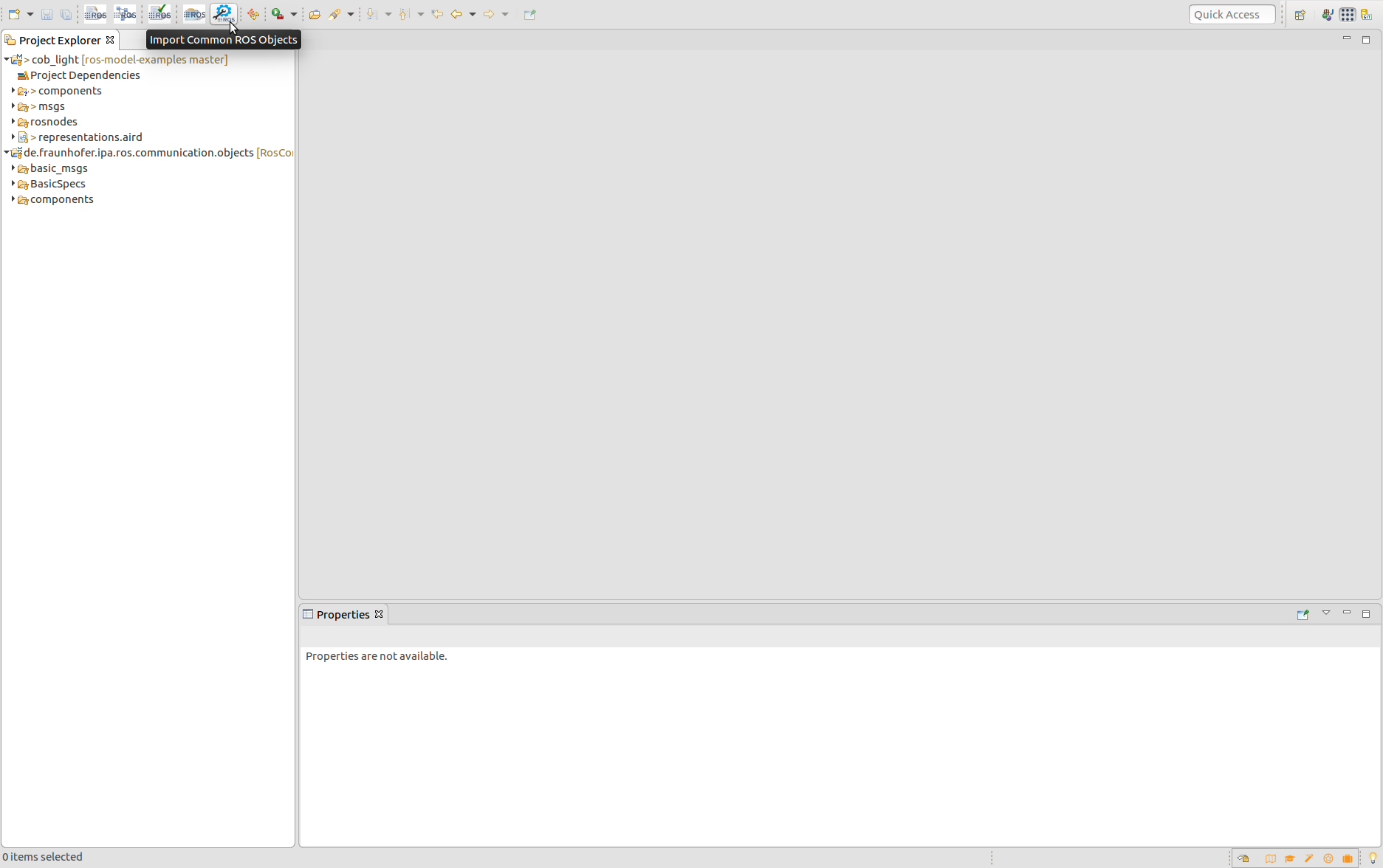
Note: This button is only available on Linux machines.
-
Alternatively, manually clone the repository: ipa320/RosCommonObjects.
- Open Eclipse and navigate to
File > Import > General > Existing Projects into Workspace. - Select the folder containing the cloned repository and import it.
- Open Eclipse and navigate to
Step 3: Import the Catalog of Software Components
- Download and import the pre-existing catalog of examples from GitHub: ipa-nhg/RosModelsCatalog.
- Clone the repository manually and import it into Eclipse:
- Go to
File > Import > General > Existing Projects into Workspace. - Select the folder containing the cloned repository.
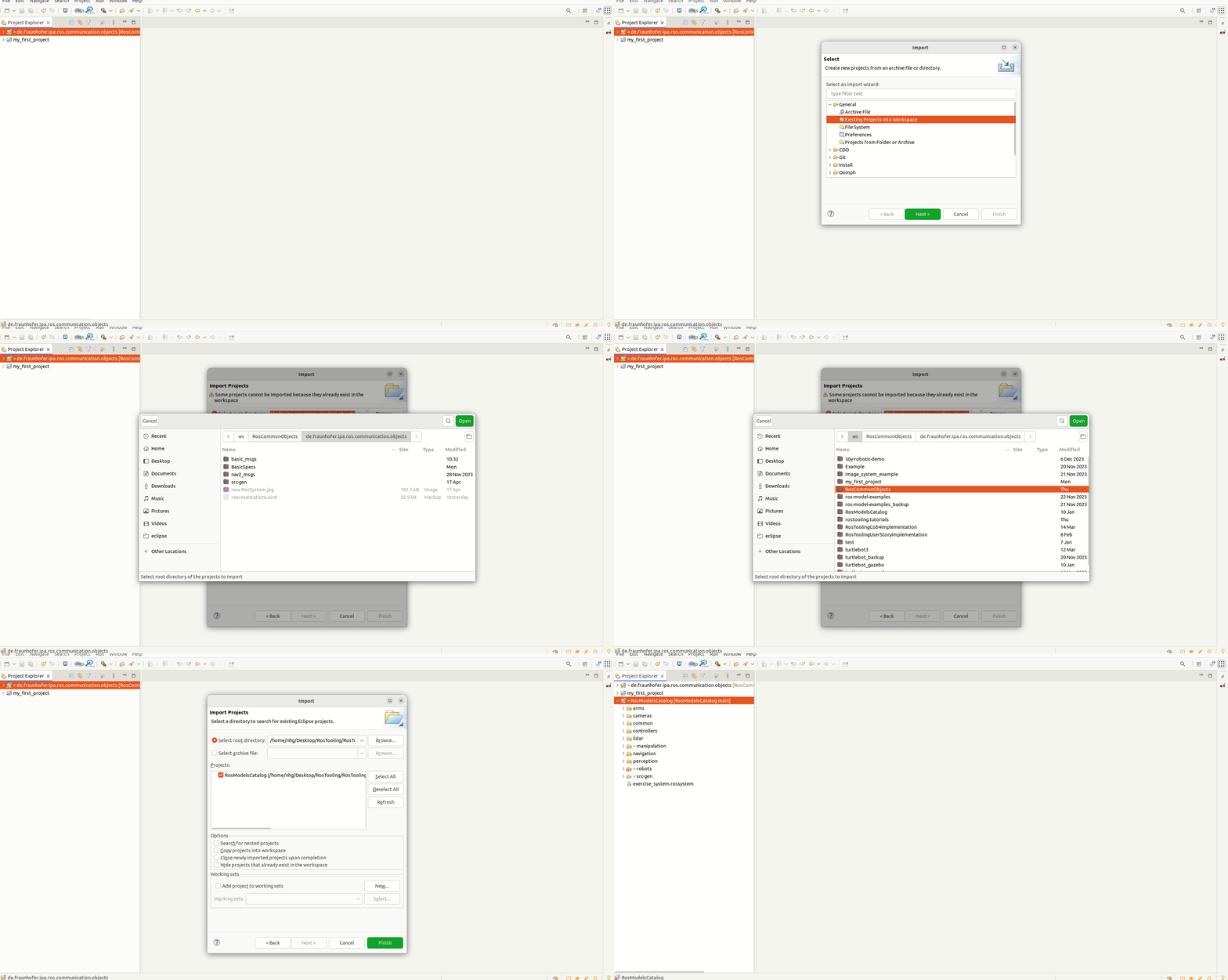
- Go to
Setting Up the Environment for Deployment Development
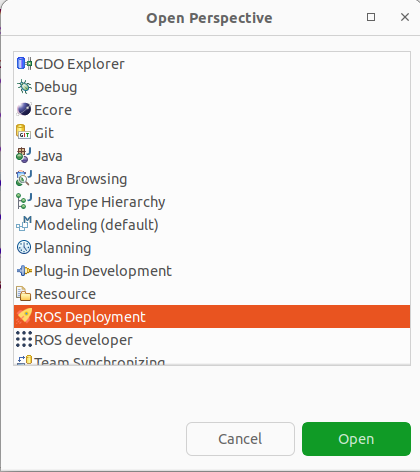
Step 1: Switch to the ROS Deployment Perspective
- Open the menu:
Window > Perspective > Open Perspective > Other... - Select
ROS Deployment. -
Your application toolbar will automatically configure itself for deployment development.
Step 2: Import the Device Catalog
- This catalog includes commonly used device models and is available on GitHub: ipa-rwu/DeploymentDeviceCatalog.
-
If you have an internet connection, use the one-click button to clone and import the catalog into your workspace:
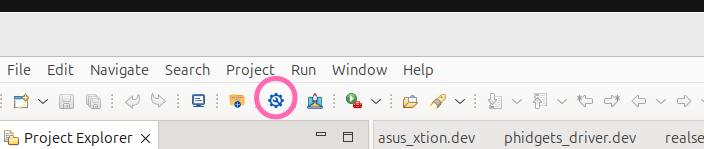
Note: This button is only available on Linux machines.
- Alternatively, manually clone the repository:
- Navigate to ipa-rwu/DeploymentDeviceCatalog.
- Import it into Eclipse using
File > Import > General > Existing Projects into Workspace.
Step 3 (Optional): Import an Example Project
- Import an example project from GitHub: ipa-rwu/ROSDeploymentExample.
-
If you have an internet connection, use the one-click button to clone and import the example project:
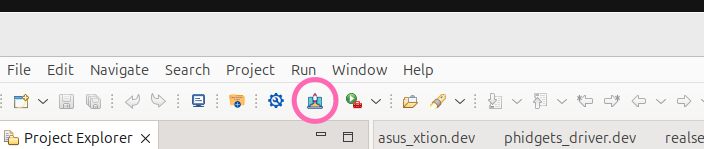
Note: This button is only available on Linux machines.
- Alternatively, manually clone the repository:
- Navigate to ipa-rwu/ROSDeploymentExample.
- Import it into Eclipse using
File > Import > General > Existing Projects into Workspace.